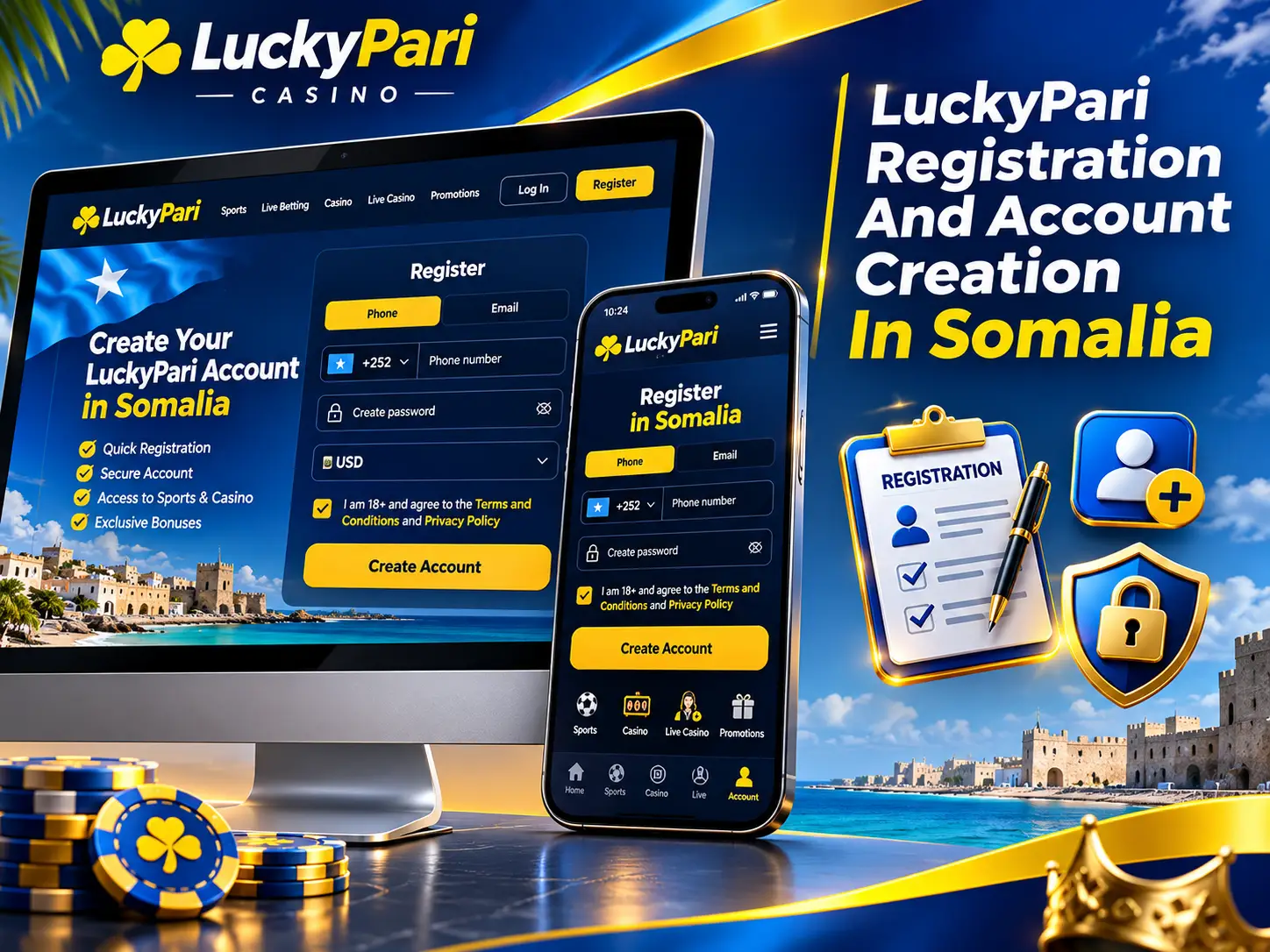
The luckypari registration form takes one to two minutes on a phone or computer. It offers four routes: one click, a mobile number, an email address or a social media profile. Each route leads to the same account, with one balance for sports and casino games. During luckypari sign up, the player also picks a country, a currency and a welcome offer.
LuckyPari Registration Methods
The luckypari create account page lists four methods, and each asks for different details. None of them requires documents at the start, as verification comes later.
Method
Data Required
Time Needed
Login Afterwards
One click
Country and currency
Under 1 minute
Account ID and generated password
Phone number
+252 number and SMS code
1 to 2 minutes
Phone number and password
Email
Email address, password, country, currency
2 to 3 minutes
Email and password
Social media
A supported social or messenger account
Under 1 minute
The same social login
One click is the fastest option, but the generated ID and password must be saved right away. Phone sign-up suits most players in Somalia, since an SMS is the simplest way to luckypari register and later recover access.
The luckypari online registration follows the same order on the site, the mobile version and the app.
Open the official LuckyPari site or app and tap Registration in the top corner.
Choose a method: one click, phone, email or social media.
Select Somalia as the country of residence.
Pick the account currency, such as USD.
Choose the casino or sports welcome offer, or skip both.
Enter a promo code if you have one.
Confirm you are 18 or older, accept the rules and press Register.
After a luckypari sign up online, the system shows the account ID, which is worth writing down.
Registration With a Mobile Number
For luckypari phone registration, use a nine-digit number from a Somali operator in the +252 format.
Choose By phone in the registration form.
Enter the number, such as +252 61 for Hormuud or +252 63 for Telesom, followed by the remaining digits.
Tap Send SMS and wait for the code.
Type the code into the form and press Confirm.
Set the currency and press Register.
If no code arrives in two minutes, check the signal and inbox before asking for a new one in the luckypari mobile registration form.
Registration Using an Email Address
The luckypari email registration route suits players who share a phone with family or change SIM cards often.
Choose By email in the registration form.
Enter the email address and create a password with letters and numbers.
Select Somalia, the currency and your city.
Accept the rules and press Register.
Open the confirmation link sent to the inbox.
Letters sometimes land in the spam folder, so check there if the luckypari email sign up link does not appear within a few minutes.
Choosing Somalia And Account Currency
Country and currency are set once during sign-up and shape payments, limits and offers. Choosing the luckypari somalia settings correctly saves a support request later.
Country: Somalia, with the +252 phone code usually filled in for you.
Currency: USD matches the dollar-based economy of Somalia, where most prices and mobile wallets work in dollars.
Currency change: usually not possible after registration without contacting support.
Bonus amounts: shown in the account currency and converted from euro figures at the current rate.
One account per person: duplicate profiles may be closed under the platform rules.
Somali shilling notes are still used for small market purchases, but few online services hold balances in them. Most players open a luckypari account in USD to avoid conversion steps on deposits and withdrawals.
LuckyPari Account Verification
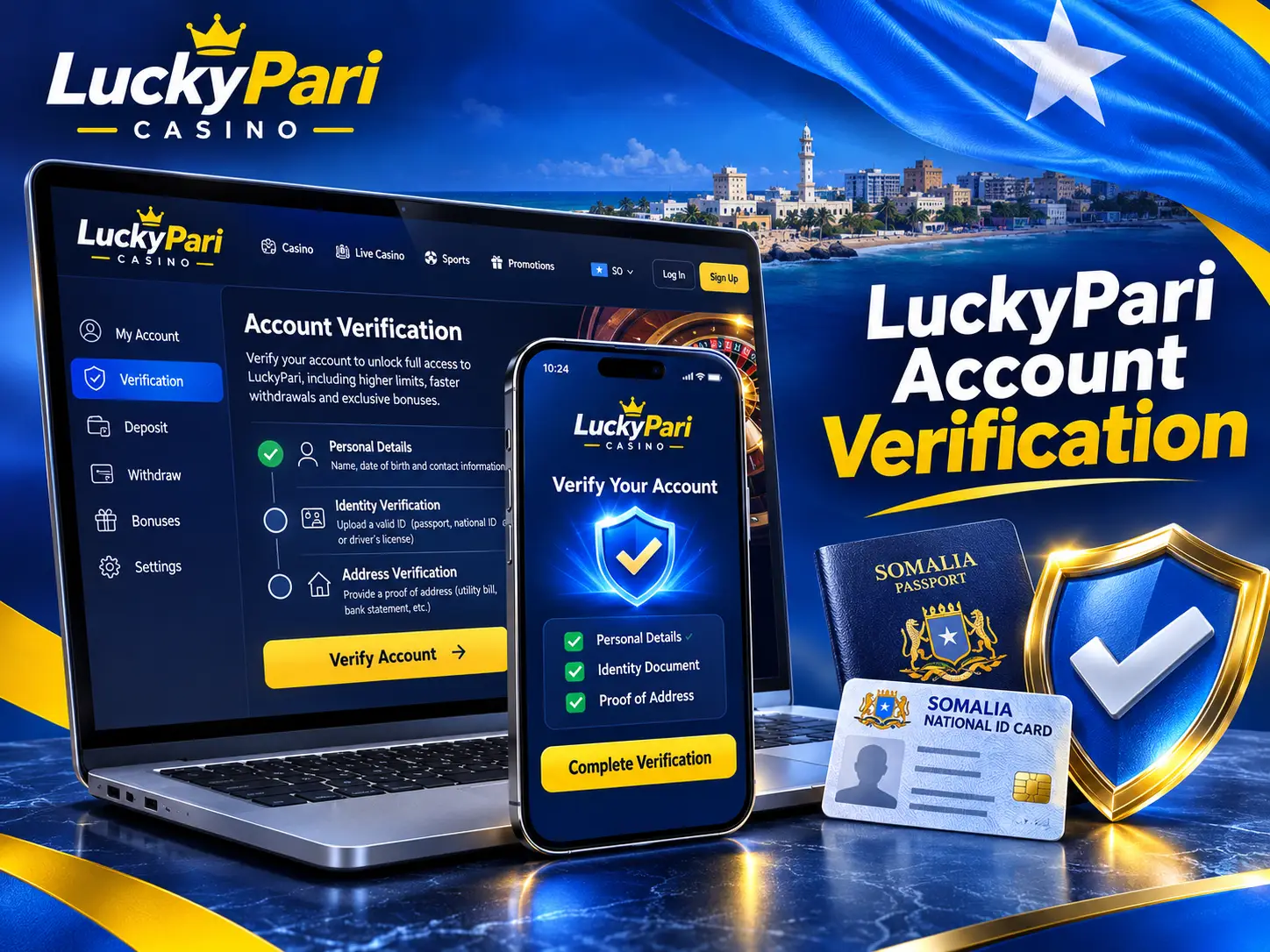
Verification confirms that the account holder is a real adult whose details match the profile. The luckypari verification is usually requested before the first withdrawal or after large deposits.
Profile check: name, date of birth and city entered in the personal account.
Contact check: phone number confirmed by SMS and email confirmed by link.
Identity check: a photo or scan of an ID document uploaded in the verification tab.
Selfie check: a photo of you holding the document, if requested.
Review: the team checks the files, often within one to three days.
Somali names usually follow a three-part pattern of given name, father's name and grandfather's name. Enter all three exactly as on the ID to keep the luckypari kyc review short.
Documents Required for Verification
The luckypari verification documents accepted for Somali players usually include one of the items below.
National ID card: the newer card issued by NIRA, the national identification agency.
Passport: a Somali or foreign passport with the photo page fully visible.
Driver's license: accepted in some cases as a second document.
Proof of address: a bank statement or utility bill from the last three months. Many districts lack formal street addresses, so ask support about alternatives.
Payment proof: a screenshot of the method used for deposits, if requested.
Upload color photos with all four corners visible and no glare. Blurred or cropped files are the most common reason a luckypari identity verification request is sent back.
Registration Errors And Account Restrictions
Each luckypari registration problem usually has a simple cause and a fix that takes a few minutes.
Error
Cause
Solution
SMS code not received
Weak signal, full inbox or wrong prefix
Check the +252 format and request a new code after 60 seconds
Phone number already used
Number linked to an existing account
Log in or use password recovery
Email already registered
Old account on the same address
Recover the password or use another email
Account blocked after sign-up
Duplicate profile or user under 18
Contact support with an ID document
Promo code not accepted
Expired code or entered after registration
Enter a valid code on the form before pressing Register
Withdrawal on hold
Verification not completed
Upload documents in the verification tab
If none of these fixes work, live chat can check the luckypari account registration status by the account ID.
FAQ
The luckypari register online form takes one to two minutes for most players. One click is the fastest method, while email takes a little longer because of the confirmation link. Verification is a separate step that comes later.
No, documents are not needed at the sign-up stage. They are requested later, usually before the first withdrawal. Having a national ID card or passport ready speeds up that step and avoids a hold on winnings.
Yes, numbers from Hormuud, Somtel, Telesom and Golis work in the +252 format. The SMS code usually arrives within a minute. Keep the same SIM active, as it may be needed for password recovery later.
No, the rules allow one account per person. Duplicate profiles, including those opened with a family member's details, may be closed and their balances frozen. Use password recovery instead of opening a new account if access is lost.
Yes, the luckypari sign up somalia form in the app matches the website, with the same four methods. Accounts created on one platform work on the other with the same login. Bonuses chosen at sign-up apply in both versions.